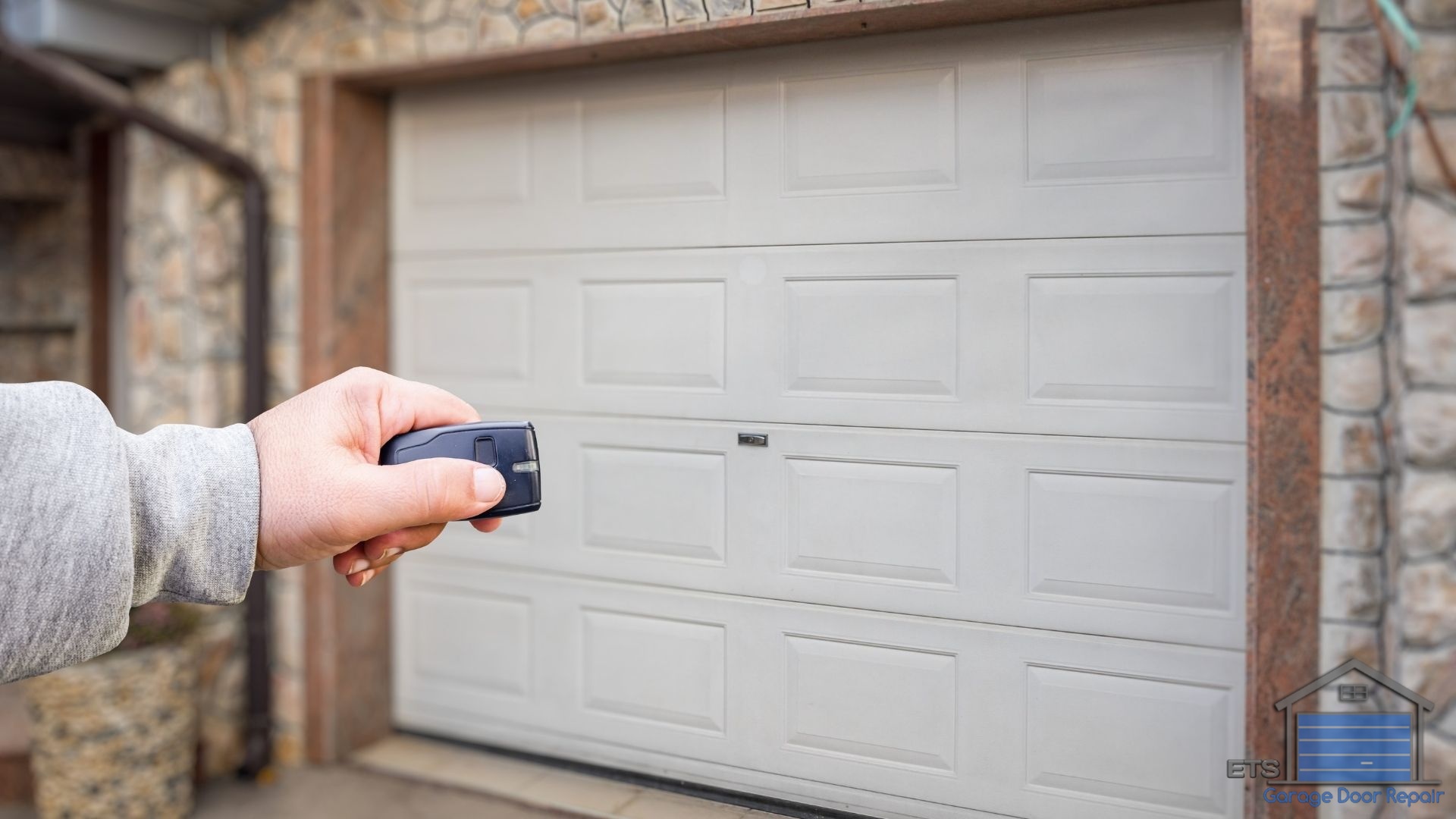
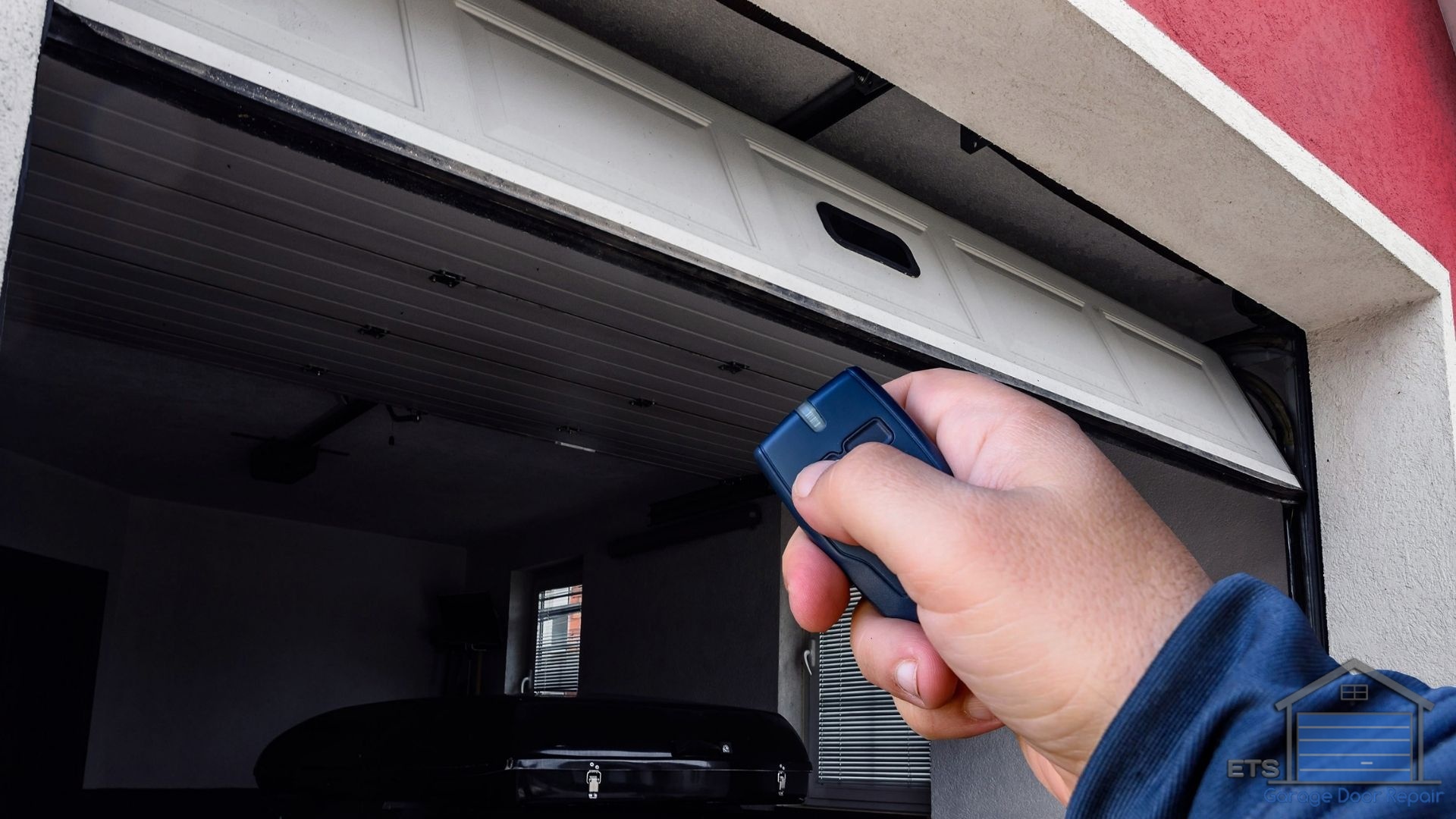
I can’t tell you how many service calls we get at ETS Garage Door Repair of Hillsboro that start with the same frustrated question: “Why won’t my garage door remote work?” It’s one of those problems that can turn a smooth morning into a stressful scramble, especially when you’re already running late.
The good news? After years of troubleshooting these issues across Hillsboro neighborhoods from Orenco to Tanasbourne, I’ve found that most remote problems have simple solutions you can try before calling a technician. Let me walk you through the most common causes and how to fix them.
Table of Contents
Dead or Weak Batteries: The Most Obvious Culprit
Dead batteries cause about 70% of the remote control issues we see. If your garage door remote isn’t working, the first thing you should do is replace the batteries with fresh ones.
Here’s what I tell homeowners: don’t just assume the batteries are fine because the remote “looks new” or you replaced them recently. I’ve seen batteries drain within months due to temperature fluctuations, which we experience plenty of here in Oregon with our wet winters and warmer summers.
Most garage door remotes use standard coin cell batteries (CR2032) or AA/AAA batteries. Pop open the back cover, swap them out, and test again. If the remote starts working immediately, you’ve solved your problem for less than five dollars.
Check the Remote’s LED Light
When you press the button on your remote, look for a small LED light that should illuminate. If you see a dim light or no light at all, the batteries are definitely your issue. If the light is bright but the door still won’t respond, we need to look deeper.
Your Remote Needs Reprogramming
Remote controls can lose their programming connection to your garage door opener, especially after a power outage or if someone accidentally hit the “learn” button on the opener unit. The remote essentially “forgets” how to talk to your system.
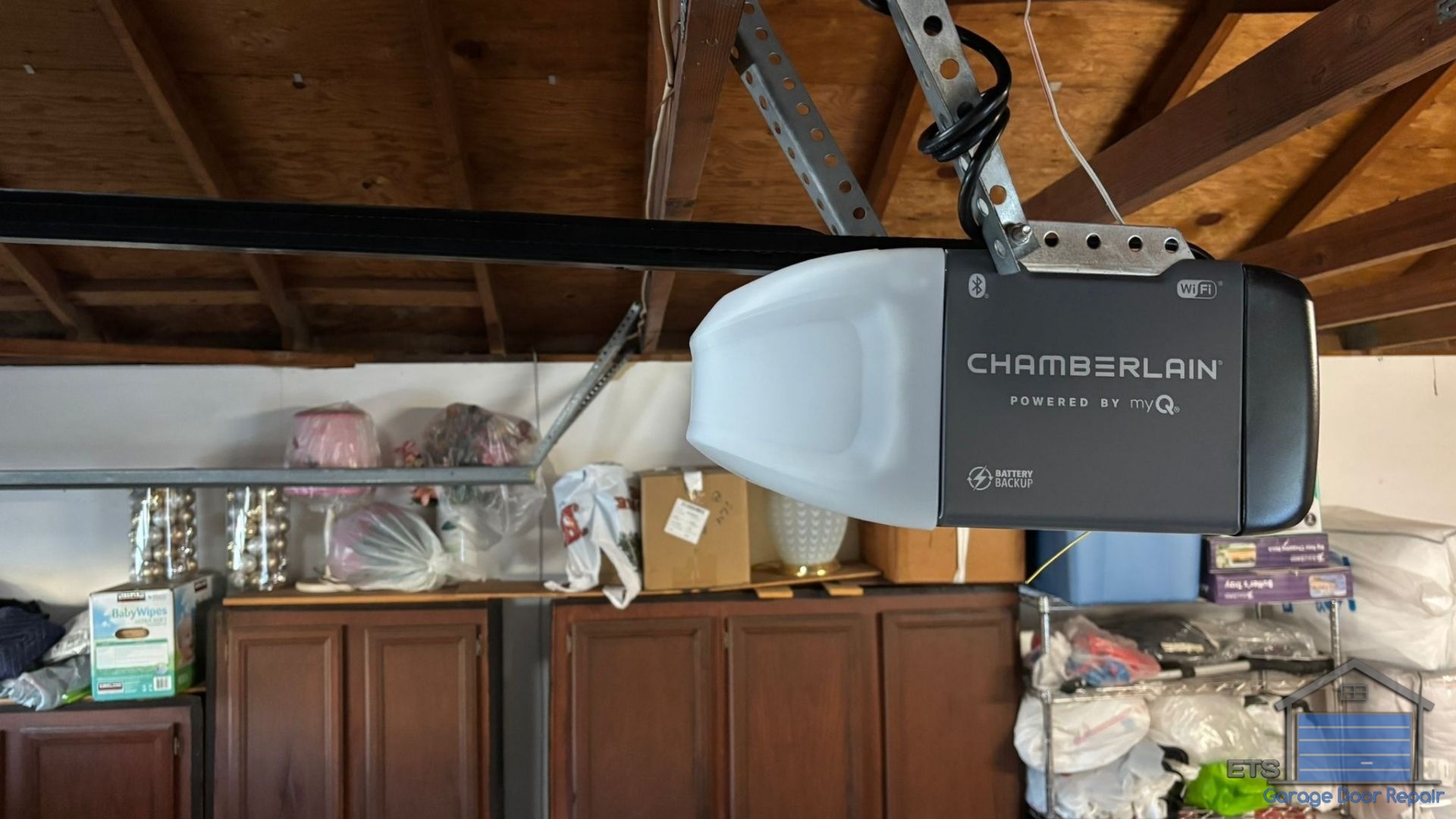
Reprogramming is usually straightforward. Locate the “Learn” or “Program” button on your garage door opener motor unit (it’s typically on the back or side panel).
Press and release this button, then within 30 seconds, press the button on your remote. You should hear a click or see the opener lights blink, confirming the connection.
I’ve walked dozens of Hillsboro homeowners through this process over the phone, and most can do it in under two minutes. Check your opener’s manual for specific instructions, as different brands like LiftMaster, Chamberlain, and Genie have slight variations, or learn more about How To Choose The Right Smart Garage Door Opener For Your Home In 2026.
Signal Interference from Modern Devices
This is a problem that’s become more common as our homes get “smarter.” Your garage door remote operates on a specific radio frequency, and other devices can interfere with that signal.
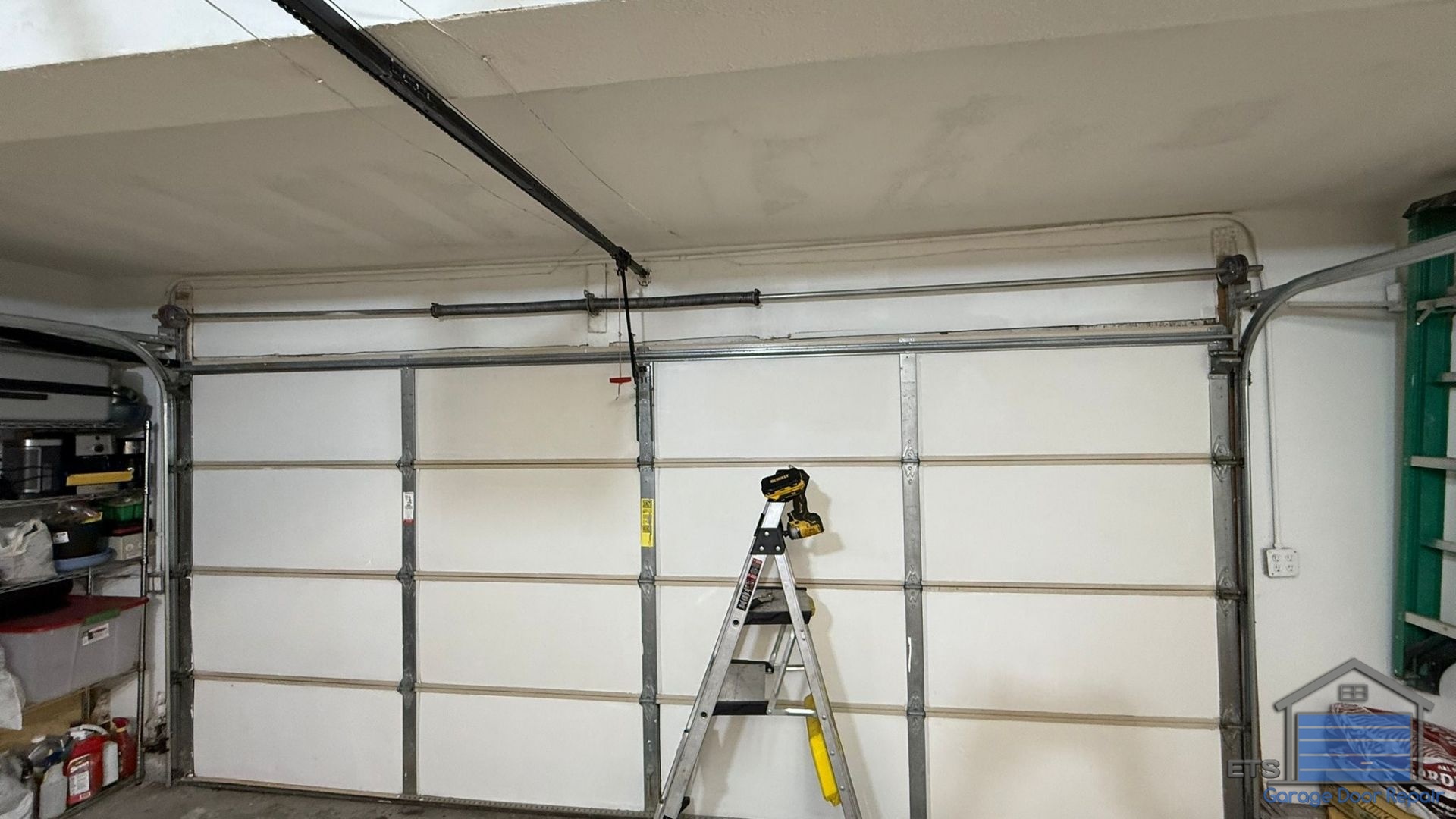
LED light bulbs are surprisingly common culprits. If you recently installed LED bulbs in your garage door opener, they might be emitting electromagnetic interference that blocks the remote signal. We’ve seen this issue pop up frequently in newer Washington County homes with energy-efficient lighting.
Other sources of interference include WiFi routers, baby monitors, and even nearby cell towers. Try moving closer to the garage door when using your remote. If it works from 10 feet away but not from your driveway, interference is likely your problem.
The Remote’s Internal Components Are Damaged
Garage door remotes take a beating. They get dropped on concrete driveways, left in hot cars during summer, and exposed to our Pacific Northwest rain when clipped to sun visors.
Physical damage to the circuit board or button contacts can prevent the remote from sending signals properly. Pop open the remote and look for obvious signs like cracked circuit boards, corroded battery terminals, or worn-out button pads.
If you see corrosion, try cleaning the contacts gently with rubbing alcohol and a cotton swab. Sometimes this brings a remote back to life. But if the damage is extensive, replacement remotes are relatively inexpensive, typically ranging from $25 to $60 depending on the model. For tips on maintaining your garage door system, check out How To Prevent Damage To Your Garage Door.
Your Garage Door Opener’s Antenna Is Blocked or Damaged
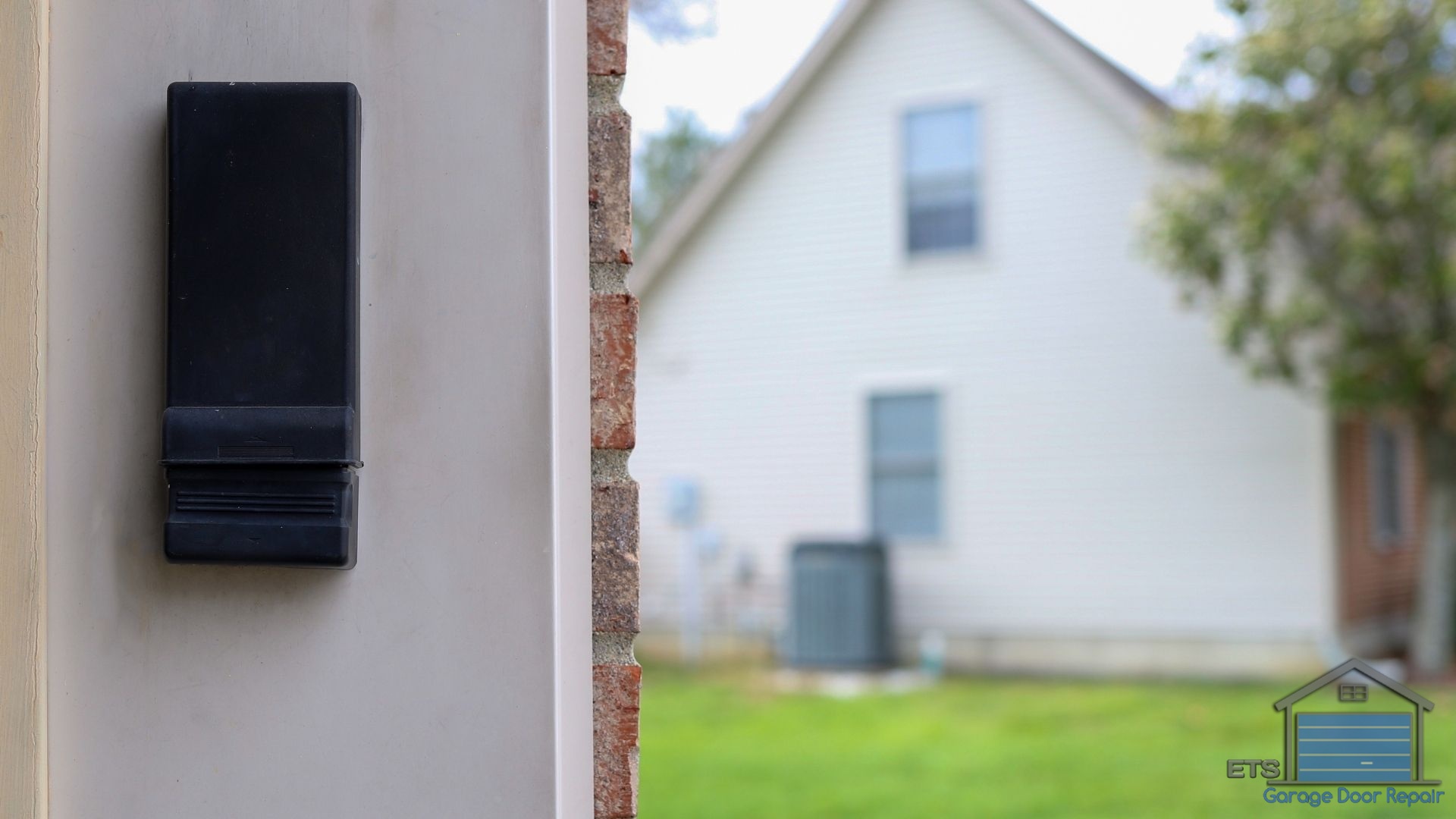
The antenna wire hanging from your garage door opener motor might seem insignificant, but it’s critical for receiving signals from your remote. If this wire is damaged, bent at an odd angle, or blocked by boxes or holiday decorations, your remote range will suffer dramatically.
I always check the antenna during service calls because it’s such an easy fix. Make sure the wire is hanging straight down and isn’t tucked behind the unit or wrapped around anything. We’ve found antennas pushed aside during storage cleanups in garages throughout the Shute Park and Witch Hazel Village areas.
How Far Away Are You From the Door?
Most garage door remotes have an effective range of 50 to 100 feet under ideal conditions. If you’re trying to open your door from down the street or from inside your house on the opposite side, you might simply be out of range.
Weak batteries can also dramatically reduce your remote’s range. You might find that your remote works perfectly when you’re right in front of the garage but fails from the driveway. Replace those batteries first before assuming you need a new remote.
The Lock Button Is Engaged on Your Wall Console
Many garage door wall consoles have a “lock” or “vacation” mode feature that disables all remote controls for security purposes. It’s designed to prevent break-ins while you’re away, but sometimes it gets activated accidentally.
Check your wall-mounted control panel inside the garage. If you see a blinking light or a lock symbol illuminated, that’s your answer. Simply press and hold the lock button for a few seconds to deactivate it, and your remotes should work again immediately.
When to Call ETS Garage Door Repair of Hillsboro
I’ve given you the most common fixes we see, and honestly, these solutions resolve about 85% of remote issues without needing professional help. But if you’ve tried everything on this list and your remote still won’t work, or if your wall console isn’t working either, you might have a problem with the opener’s receiver logic board.
That’s when it makes sense to call our team. We serve homeowners throughout Hillsboro and Washington County, and we can diagnose receiver problems, replace faulty components, or recommend a new opener if your system has reached the end of its lifespan. If you’re considering upgrading your entire system, explore options with our Door Designer.
Don’t let a non-working remote disrupt your daily routine. Give us a call at Hillsboro Garage Door Repair, and we’ll get you back to smooth, reliable operation. We’ve been solving these exact problems for years, and we’re always happy to help a neighbor out.

Leave A Comment